
Warkel's Byte Copy
Make the copy certain.
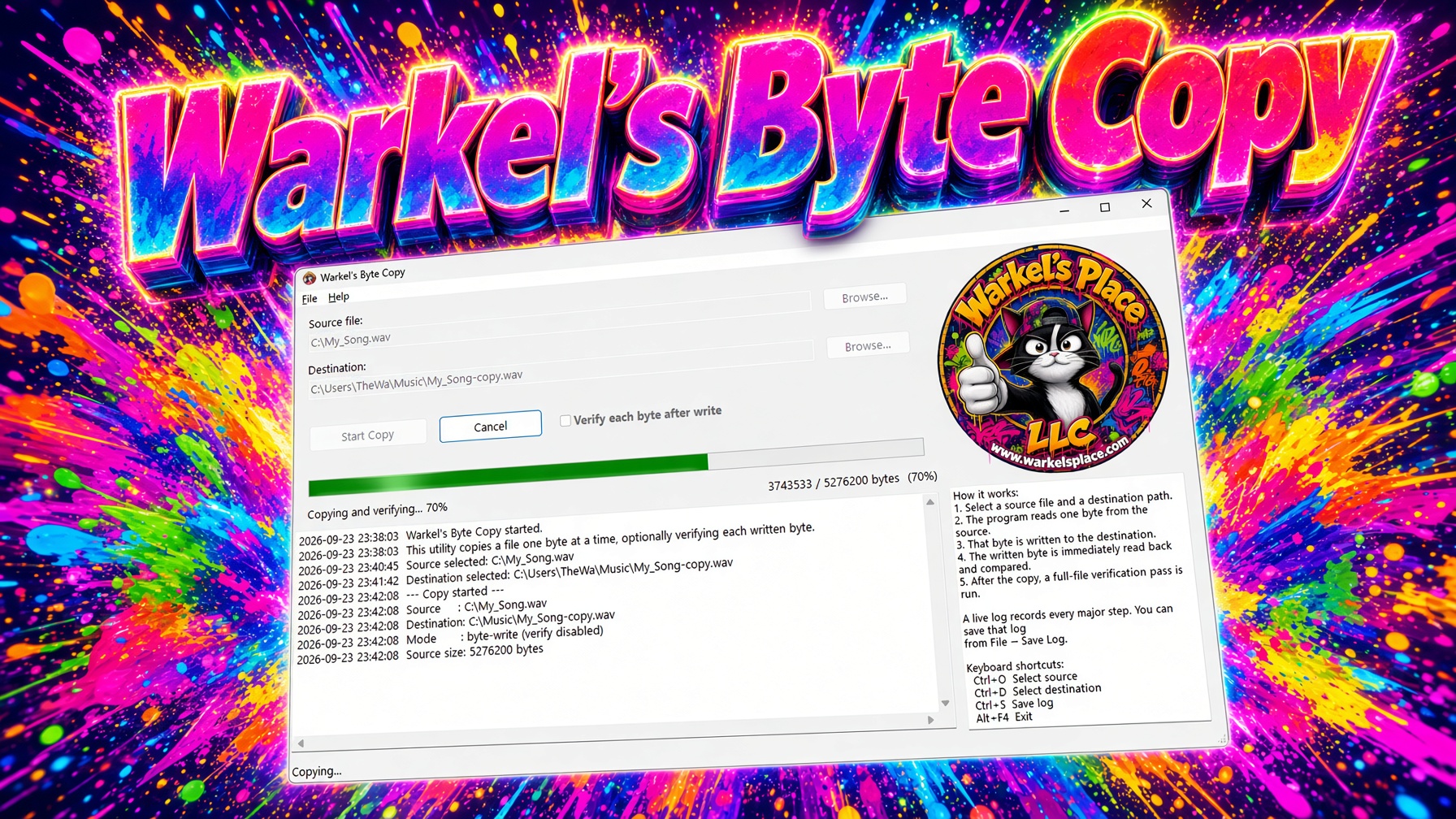
A copy you can watch. A copy you can prove.
Windows already has a copy command. What it does not give you is a live, honest picture of every byte leaving the source and landing on the destination.
Warkel's Byte Copy reads one byte, writes that byte, then — if you want it — reads the stored byte back and compares. A timestamped log keeps the whole story. A progress bar tells you where you are. Cancel stops the job if you change your mind.
No account. No upload. No cloud. The file never leaves the machine you pointed it at.
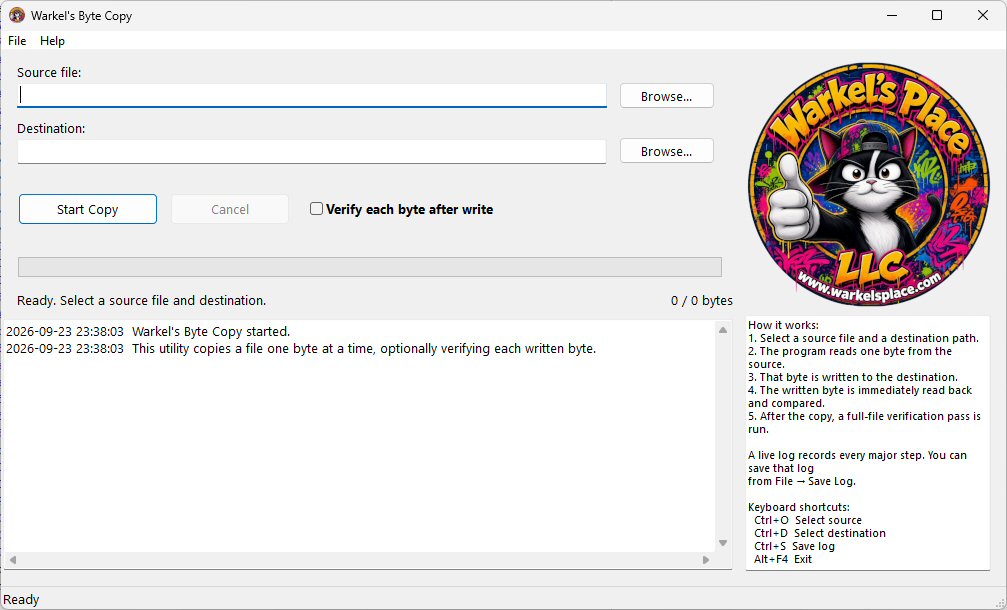
How it works
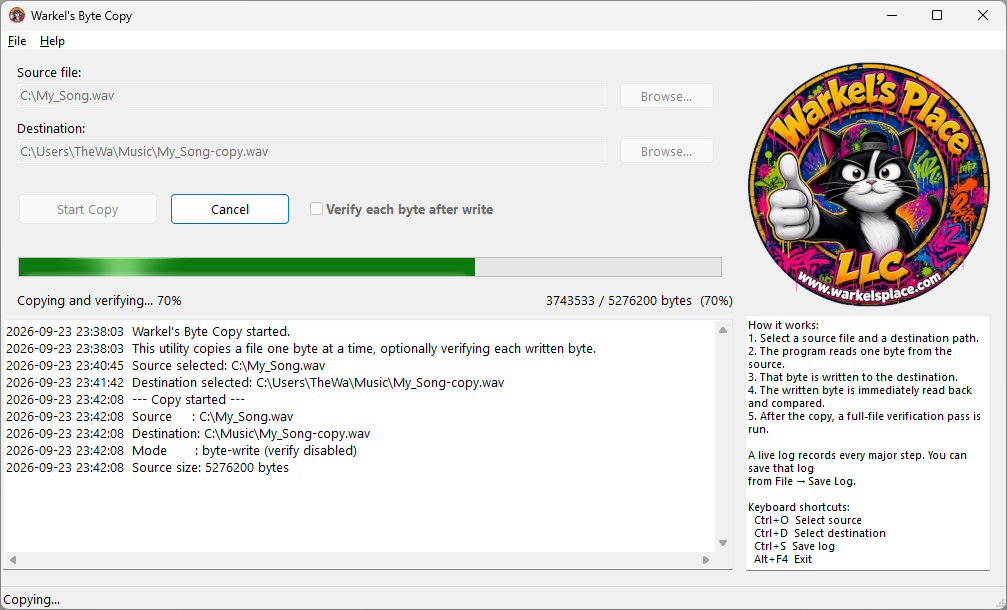
- Pick a source file and a destination path.
- Hit Start Copy. The program reads one byte from the source.
- That exact byte is written to the destination.
- With verify on, the written byte is read back and compared on the spot.
- When the last byte lands, an optional full-file pass walks both files from the top again.
- The memo log records the run. Save it from File → Save Log if you need a paper trail.
Why people buy this instead of dragging a file
Proof, not hope
Verify after write means you are not guessing. A mismatch stops the job and tells you the offset.
Eyes on the work
Progress, byte counts, and a live log turn a silent copy into something you can watch and audit.
Works on any file
WAV, photos, documents, archives, installers — if Windows can see the file, this utility can walk it byte by byte.
Stays on your PC
Offline by design. Nothing is uploaded. Nothing phones home. Good for shared machines and local drives.
You stay in control
Cancel mid-copy. Confirm before overwrite. Keep source and destination from pointing at the same path.
A log you can keep
Every major step is timestamped. Save the memo when you need to show what happened and when.
Simple on purpose
Source. Destination. Start. Verify. That is the whole ritual. No setup wizard. No account.
Built for the cautious copy
Use it when the file matters: masters, backups you still want to inspect, hand-offs you may have to defend later.
What you get
- The Warkel's Byte Copy Windows program
- Source and destination browse dialogs
- Byte-at-a-time copy engine
- Optional per-byte verify plus a final full-file compare
- Progress bar, status text, and byte counter
- Timestamped log with Save Log / Clear Log
- File and Help menus, keyboard shortcuts, About / disclaimer
Byte-at-a-time copy is deliberately thorough, not fast. That is the point. Huge files will take time. Use Cancel if you need to stop.